 tab, click the
  button to go to the Audit Screen.
 Clients may request a record type 38 file or an audit file through the You've Got Claims Network.
To create
an upload audit file, from the tab, click the button to go to the Audit Screen.
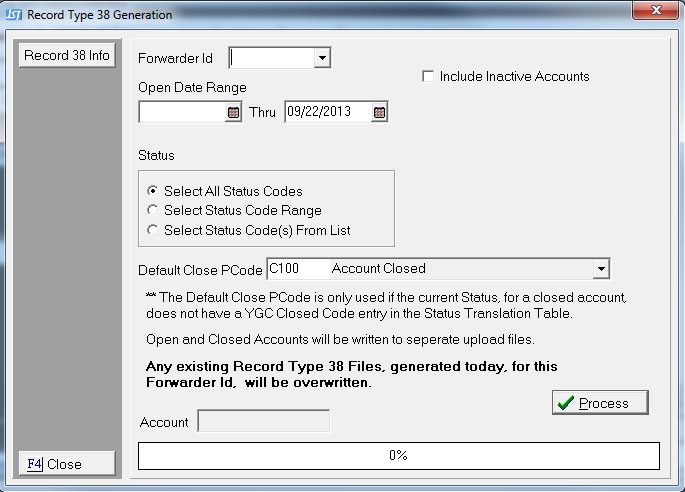
Select a
Forwarder by clicking the  button and selecting from the drop down list.

The Forwarder might have several portfolios. Users can chose to send each portfolio separately by typing the forwarder's YGC Client Id and portfolio id.
For example: MD16.PLAT.
Or users can chose to send all the forwarders account regardless of portfolio by typing the forwarder's YGC Client Id.
For example: MD16.
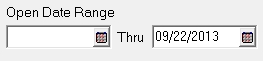
Select the Open Date Range of Accounts that need to be reported to your Forwarder.
To include Inactive Accounts in this export click the  box next to Include Inactive Accounts
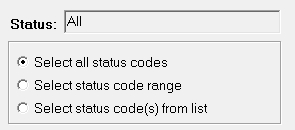
Select status code(s) by clicking the box next to the selection.
Select a Default Closed Status to be sent for accounts whose current Status is not defined in the Status Translation Table.

Then click the  button, select
to printer, screen or file.
button, select
to printer, screen or file.
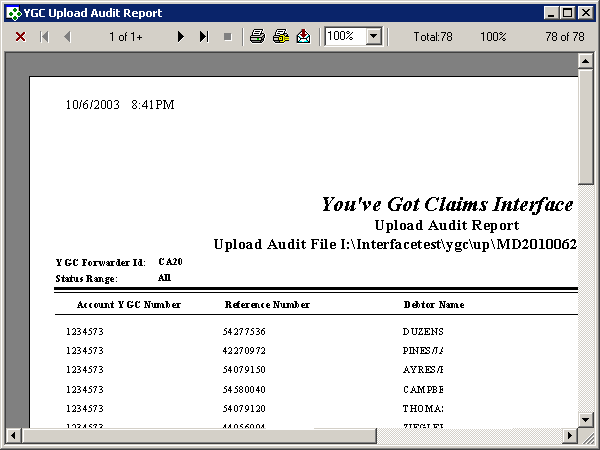
A report will be created of all records being added to the audit file. The name of the audit file and its location are printed at the top of the report. Typically these file are created in the upload data directory with a backup copy added to the backup upload data directory.
Once the report is created, the user will be asked if they want to create the upload file(s).
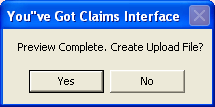
Click the
 button,
to continue the upload process and create an open and closed upload file for the client.
The amount
of upload data will determine how fast this process will go. You
are provided a status bar to monitor the upload progress.
button,
to continue the upload process and create an open and closed upload file for the client.
The amount
of upload data will determine how fast this process will go. You
are provided a status bar to monitor the upload progress.
Note:
It is important to note Final upload reports are created for certain interfaces
but not all interfaces. Users
may need to print the preview report to maintain hard copy records.
To discontinue
the upload process, click the  button.
You may preview the upload file as many times as they like before creating a upload file.
Note:
The interface will only create the upload file. Users
will have to get the file to their client as per their agreement with
their client.